
Find your harness type
Identify your Hyundai, Kia or Genesis camera harness using the same connector data as CarrotBot.
HKG HARNESS FINDERHyundai · Kia · Genesis
- 1Color
- 2Notches
- 3Wiring
- 4HDA2
- 5Result
Start with your connector.
Compare the color, notches and wiring of your actual connector to identify a comma camera harness. Uses the same classification data as CarrotBot’s /하네스타입 command.
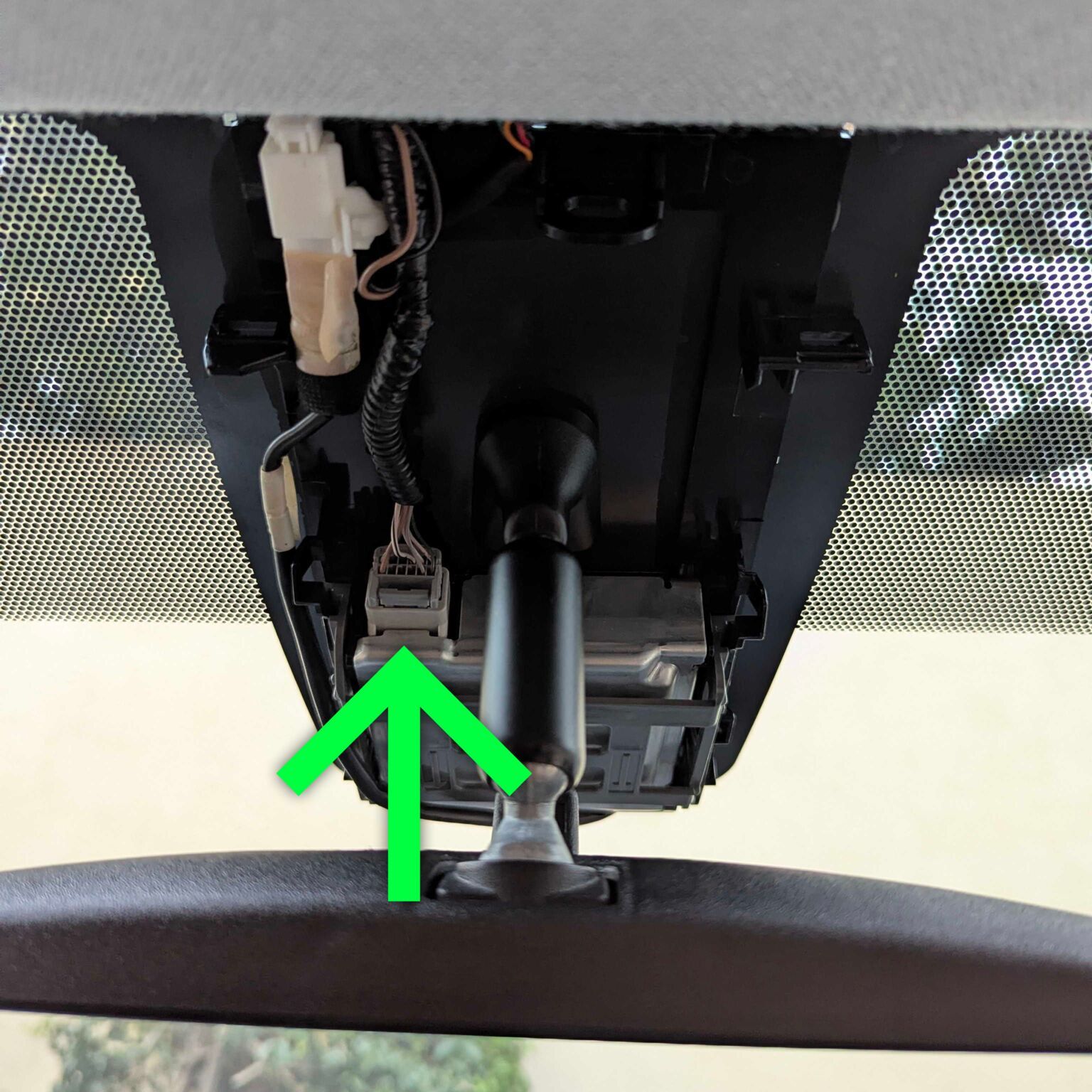
Before you begin
- Park, switch off the vehicle and follow the trim-removal procedure for your vehicle.
- Locate the lane-keeping camera connector behind the mirror.
- Compare the plug face that enters the camera, keeping its color, notches and pins in the same orientation.
This tool identifies camera-connector harness types. Suitability of an HDA2 ADAS longitudinal-control modification harness must be checked separately.
Classification & images: sunnypilot harness-finder · MIT License · CarrotBot data snapshot
Related: Vehicle configuration · HDA2 ADAS reference